
How do I make Claude follow my brand guide when designing?
Give Claude your brand guide once. Every design after follows your fonts, colors, logo and voice.
 Daryl BudimanFounder, Klayson ·


Step 1
Add Klayson to Claude
In Claude, open Customize, then Connectors. Click + Add, then Add custom connector. Name it Klayson, paste this link and click Continue. Then sign in to Klayson. A free account works.
https://api.klayson.com/mcpWorks on every Claude plan. Free has room for one custom connector.
Step 2
Paste this prompt
Start a new chat in Claude and paste it, or press Open in Claude to have it typed in for you. Claude reads your site, builds your guide in Klayson and shows it to you section by section.
Replace yourbrand.com with your website, or any brand you design for.
Read https://klayson.com/docs/installation and set up Klayson for me. Then read my brand from https://yourbrand.com with Klayson: extract my fonts, colors, logo, illustrations, photography, voice and products, and build my full brand guide in Klayson. Show me the guide section by section so I can fix anything that looks off, then save my edits. From now on, before you design anything for this brand (ads, social posts, slides, landing pages), call get_brand and get_page and follow them exactly: my real font files, my colors and their roles, my logo files as they are, and my voice. If my request conflicts with the guide, ask me first.
Step 3
Klayson builds your brand guide
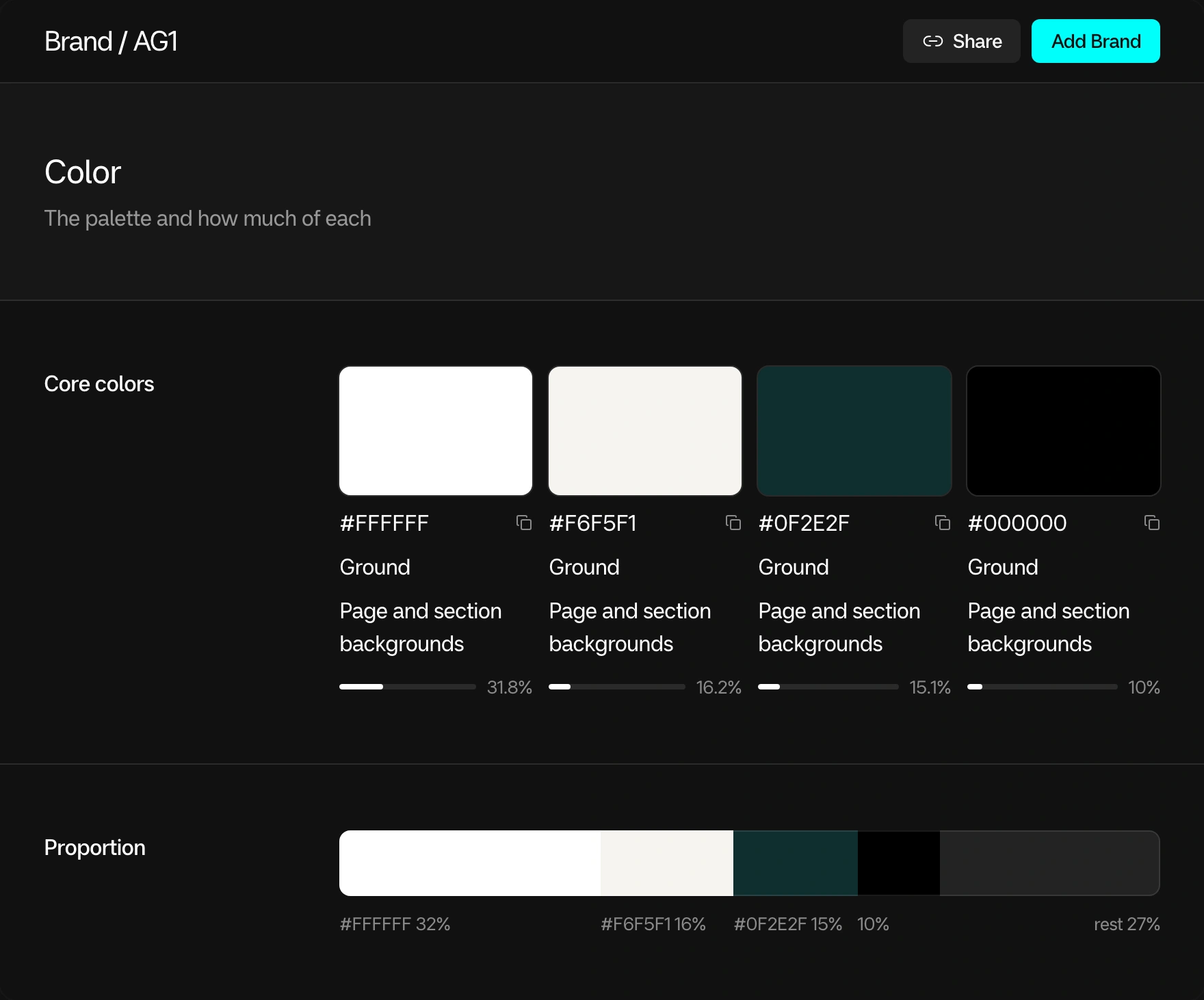
Claude reads your site with Klayson and writes your guide: fonts, colors, logo, illustrations, voice and products. You can fix anything, on the web or by asking Claude.
Step 4
Ask for any design
Claude reads your brand guide before every design, so you never explain your brand again. Ask for ads, social posts, slides or a landing page in plain words.
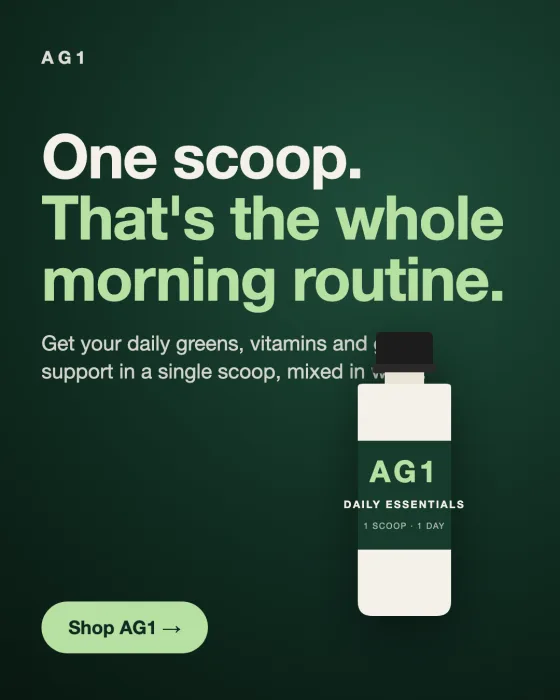
Make 4 Instagram ads for our new product
get_brandFonts, colors, logo, voice and products
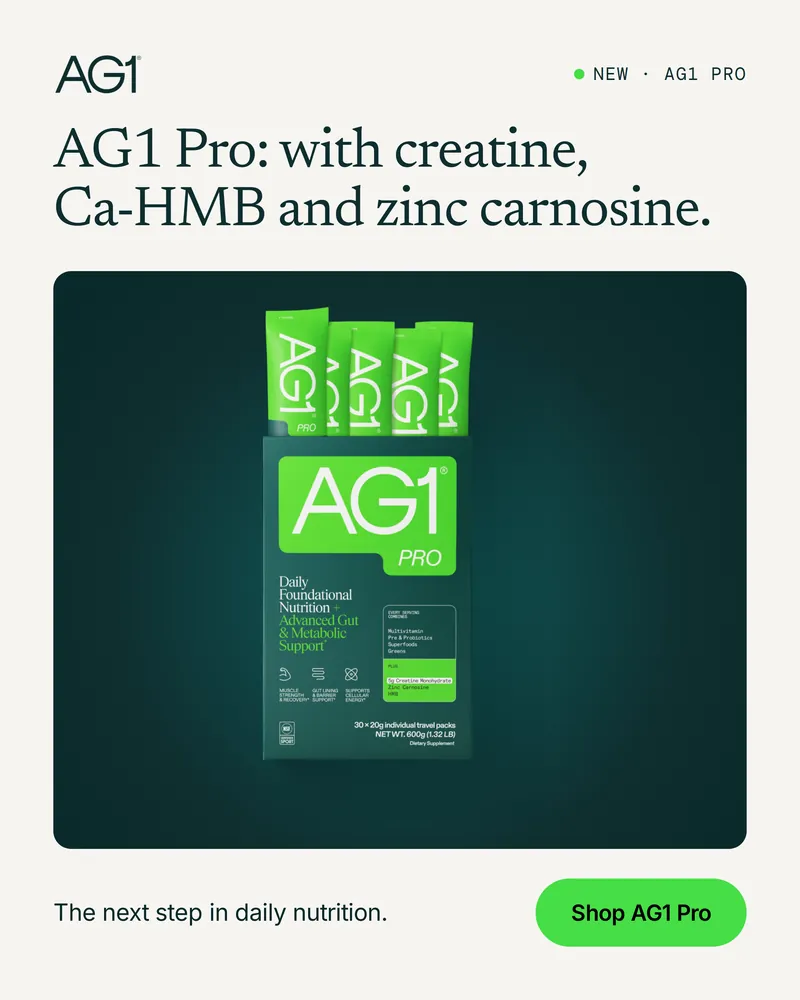
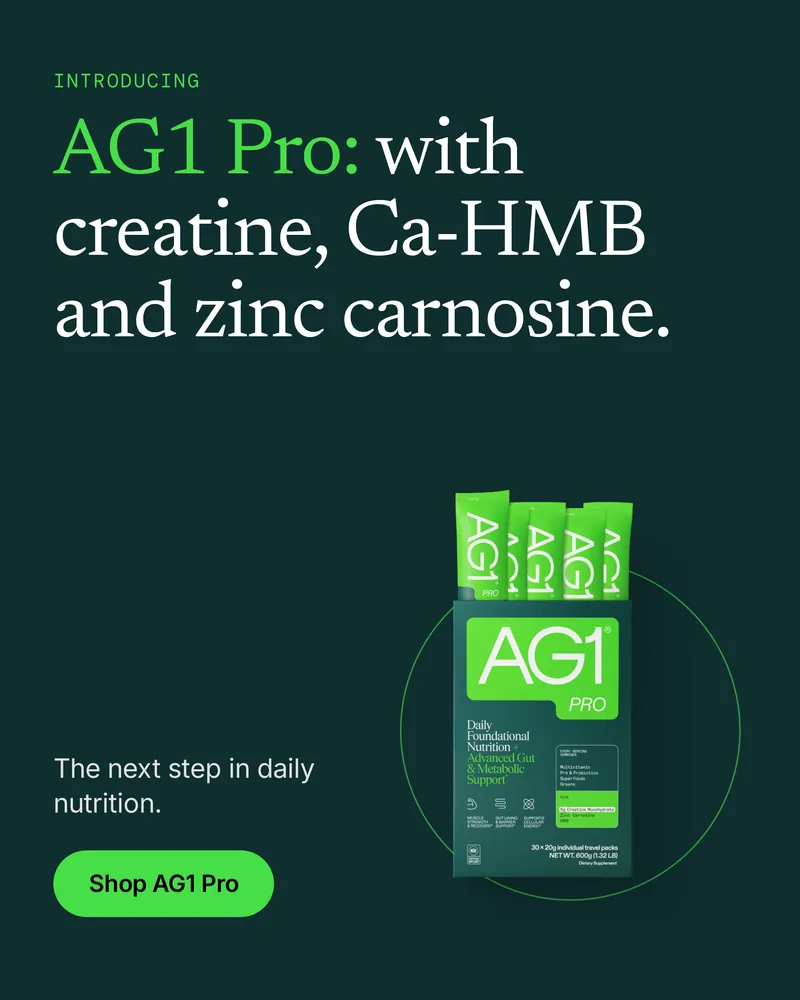
Here are 4 ads for AG1 Pro in your fonts and colors, with your logo and product photo as they are.
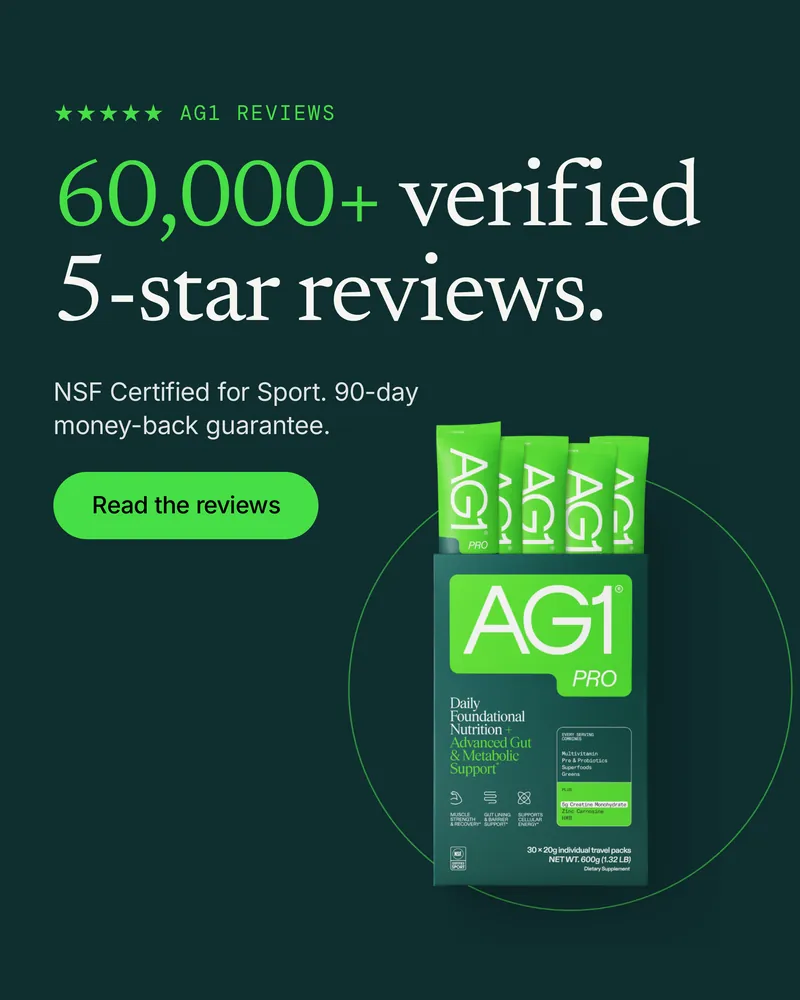
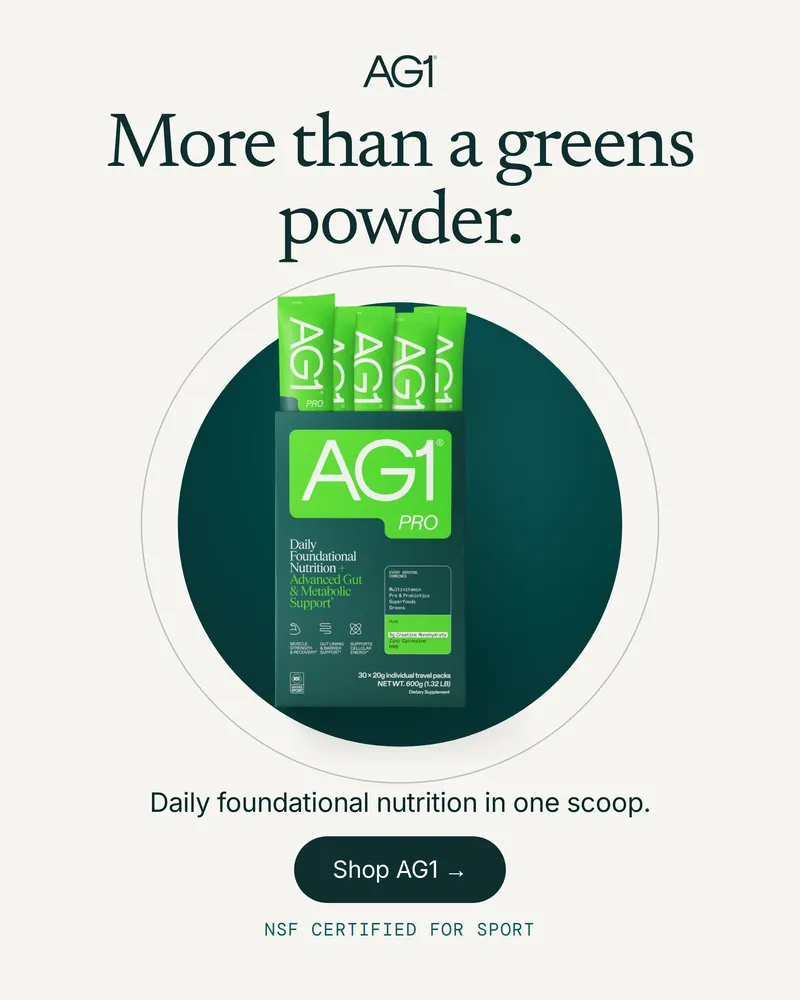
What's in your brand guide
One page in eight sections. Claude reads all of it before it designs anything for your brand.
Brand
Your name, tagline, mission, values, personality and who it's for.
Voice
How you sound, example lines, key messages and the words you avoid.
Logo
Your logo files exactly as they are, with every version.
Color
Your colors with their names and roles, and the pairings that work.
Typography
Your real font files and the hierarchy for headlines, body and labels.
Imagery
Your photography style, photos, illustrations, icons and patterns.
In use
Your own ads and posts, so new work matches what you already run.
Products
Your products with photos, prices and the current offer.
Edit it anytime, on the web or by asking Claude
Your edits are kept, even when Klayson reads your site again.
Share it with a link
Anyone with the link can read it, never change it. Turn the link off anytime.

Need help setting up or want to chat more with me?
Questions
Make Claude follow your brand
Free to start, no card.