
Guides / The Studio
Turn your product into 20 static ads with Claude
The exact prompt we used to make 20 ads for a coffee brand: social proof, native, Black Friday and more. In just 3 simple steps.
 Daryl Budiman

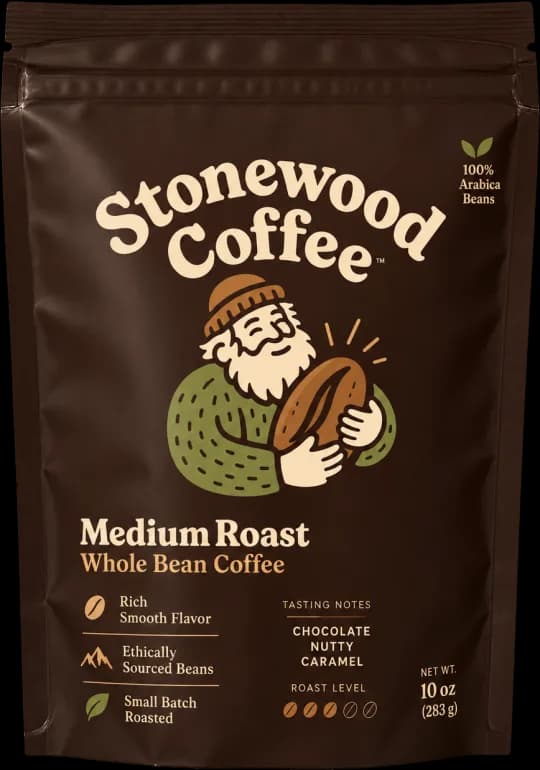
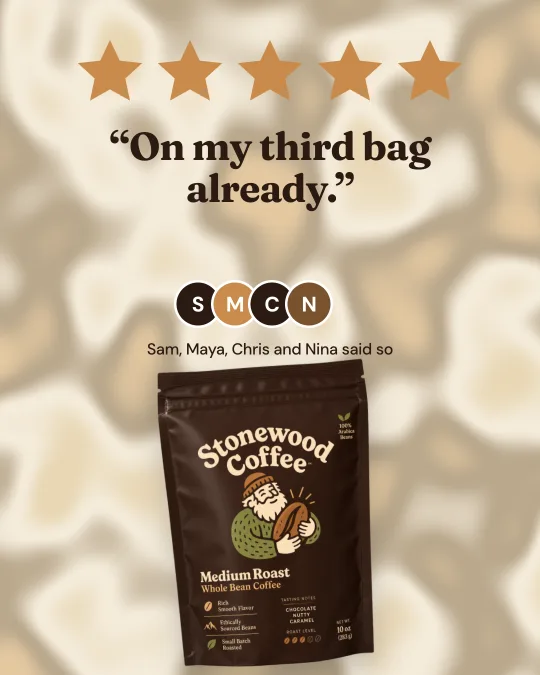
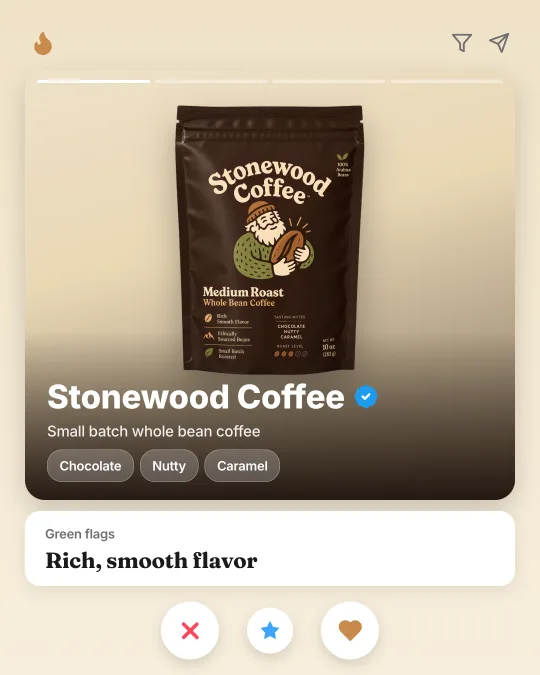
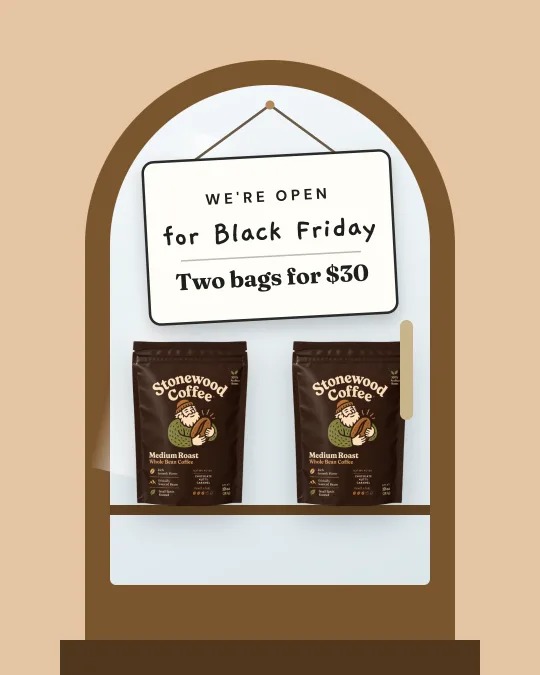
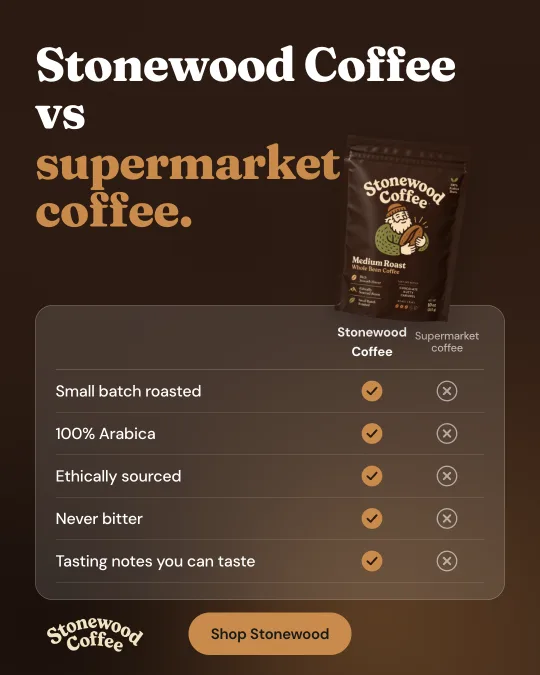
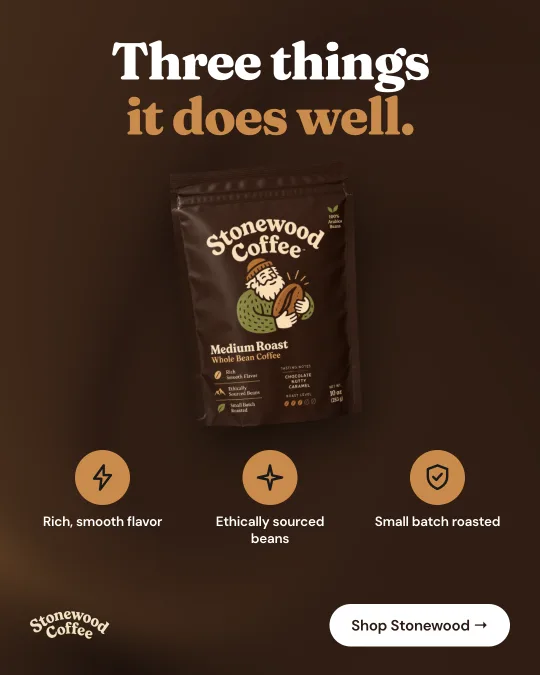
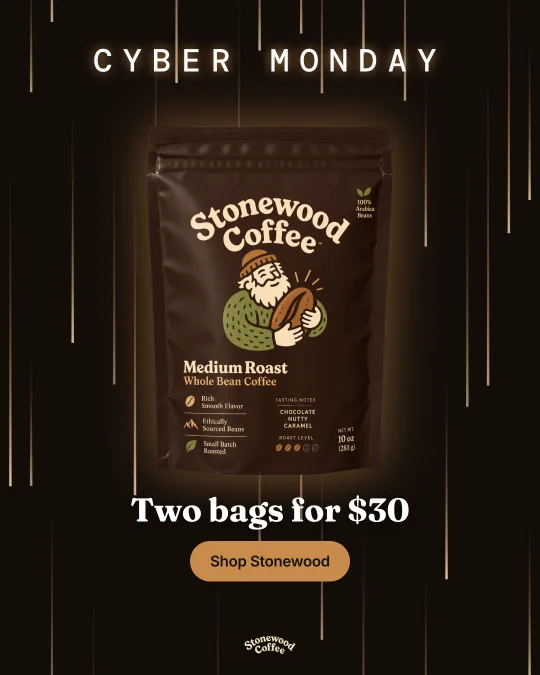
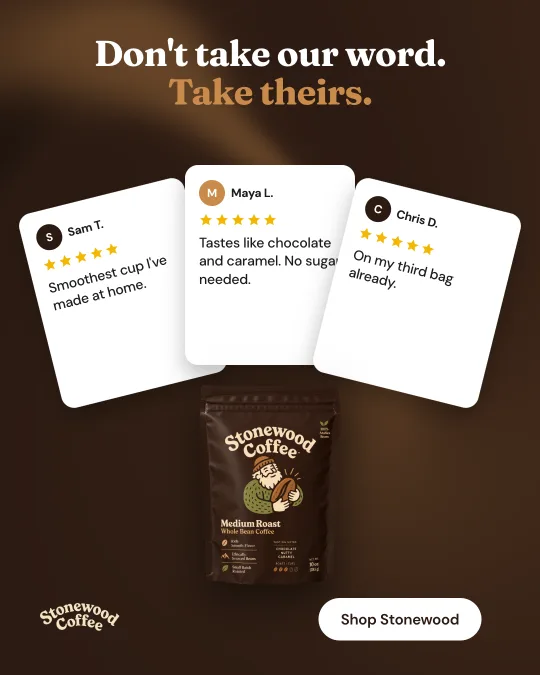
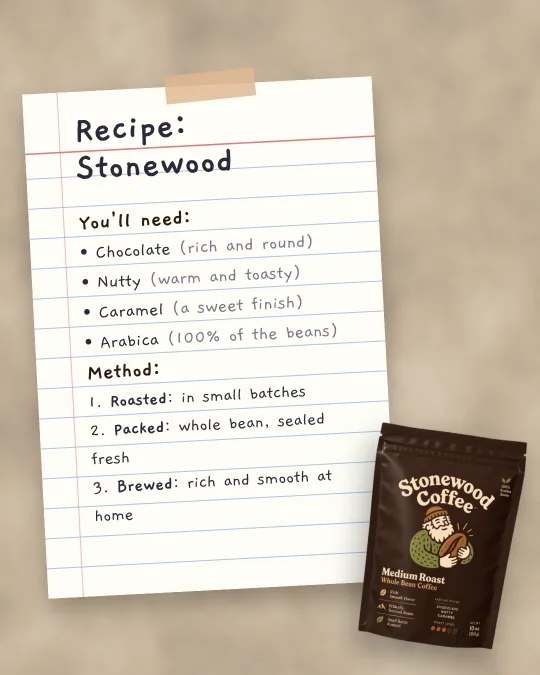
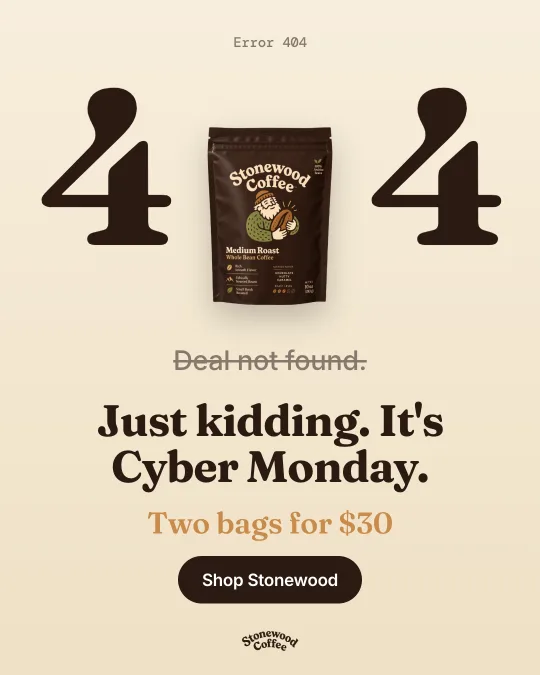
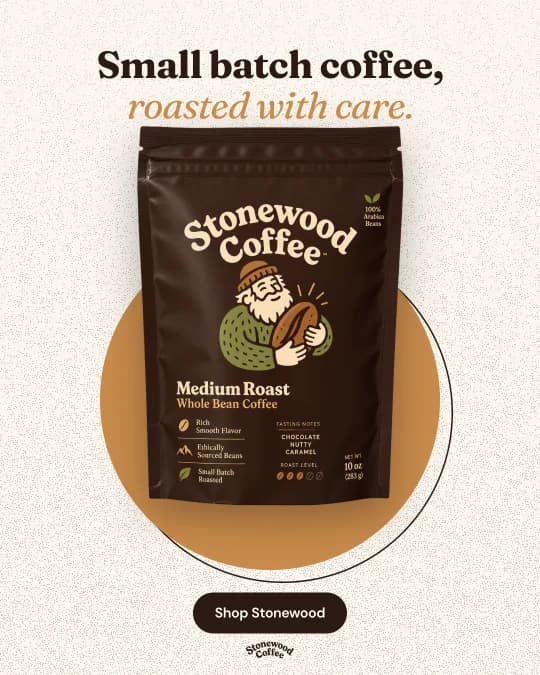
Sign up and add Klayson to Claude
No Klayson account yet? Sign up free first, it takes a minute and needs no card. Then in Claude, open Settings, then Connectors. Choose Add custom connector, name it Klayson and paste this link.
https://api.klayson.com/mcpCustom connectors need a paid Claude plan. On Claude's free plan? Make your ads on the web instead.
Paste this prompt
Start a new chat in Claude and paste this. Swap in your website.
I want 20 static ads for my brand, made with Klayson.

1. First, check that Klayson is connected. If it isn't, tell me to add it in Claude as a custom connector with this link: https://api.klayson.com/mcp. If I don't have a Klayson account yet, tell me to sign up free at klayson.com first.

2. Use my brand guidelines from Klayson. If my brand isn't set up yet, ask me for my website and set it up with me first. Don't guess my colors, fonts or claims. If I sell a physical product and Klayson doesn't have a photo of it yet, give me Klayson's upload link and wait for me to add it.

3. Write a table of 20 ad concepts for my brand with these columns: format (social proof, native, Black Friday, comparison, benefits, product hero and more), angle, hook, headline, visual idea and call to action. Make every row different, and only use claims and numbers from my brand or from me.

4. Show me the table and wait for my OK before you make anything.

5. Once I say go, make all 20 ads in Klayson on a new canvas, using my real product photo exactly as it is.

6. When they're done, show me all 20 ads here in the chat with the link to my Klayson canvas.

My website: [your website]
No photo handy? Klayson can read your products from your website. Selling an app or a service? Skip the photo, Klayson uses your screenshots or leads with your words.
Get 20 ads you can edit
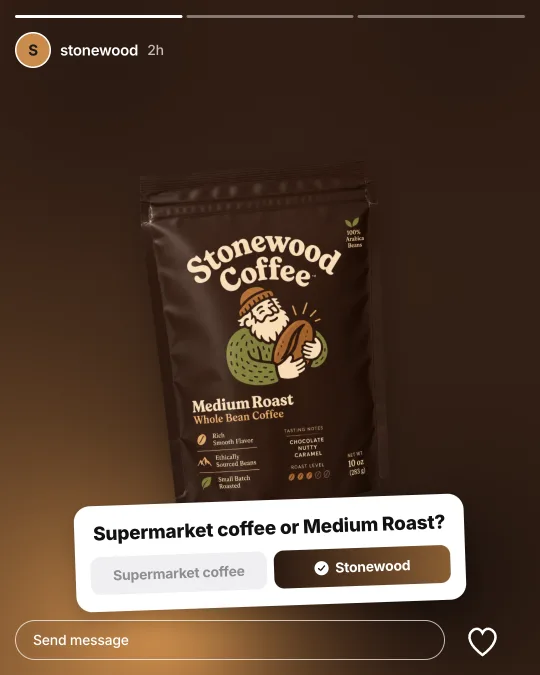
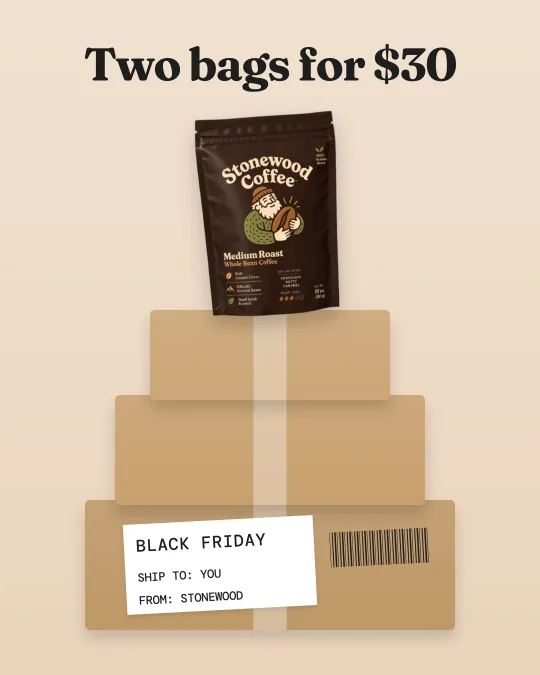
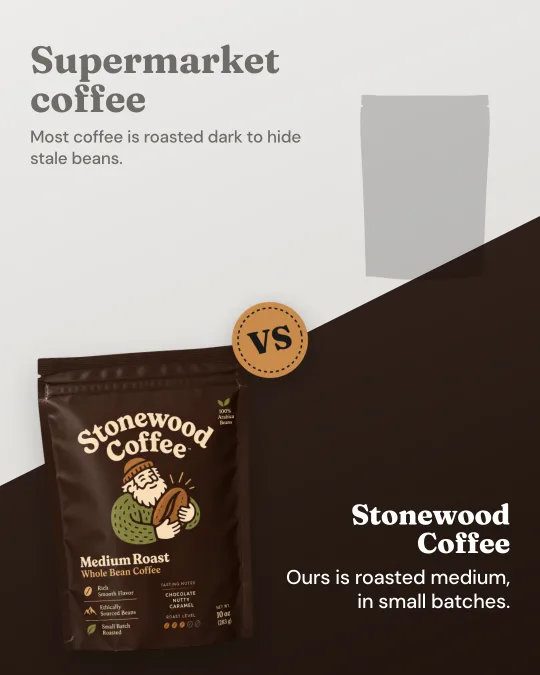
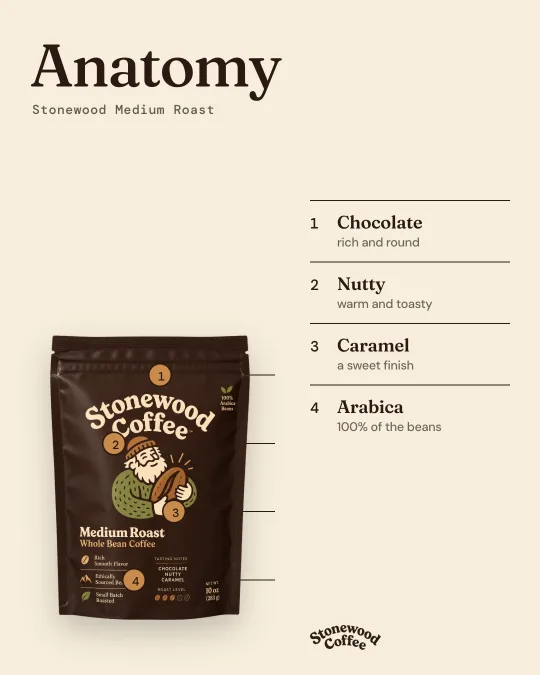
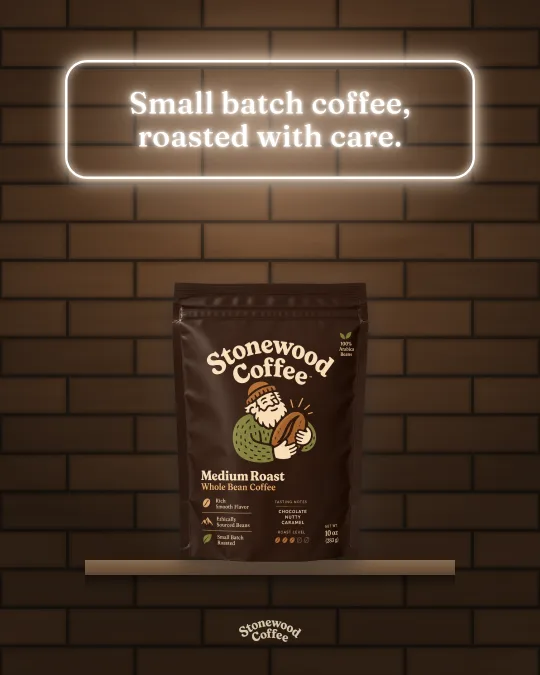
Claude shows you the 20 concepts as a table first. Say go, and Klayson makes every ad on a canvas with your real product. Change any word, color or layer, in Claude or on the canvas.
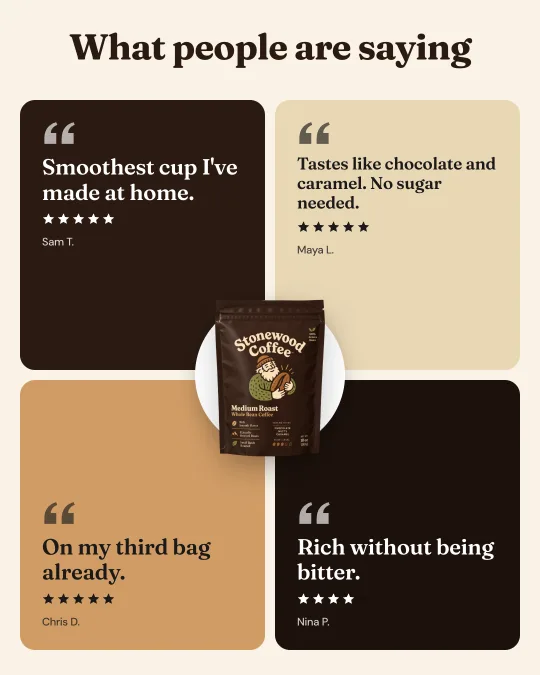
What you get
Your real product
Your photo goes in exactly as it is. No warped labels, no melted text.
Every layer editable
Retype a headline, swap a color, move the product.
Formats that scale
Social proof, native, Black Friday, comparison and more, from Klayson's library of winning ads.

Need help setting up or want to chat more with me?
Questions
Make your 20 ads now
Free to start, no card.